
ArcSoft VideoImpression Quick Start Guide

This is a user guide for ArcSoft VideoImpression software
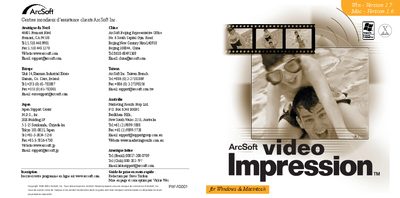

ArcSoft VideoImpression Quick Start Guide - cover page
Brand
ArcSoft
Category
Graphic images
Document type
Quick Start Guide
Language
French
Pages
8
File format
PDF
File size
1.7 MB
Published
19 March, 2012
Updated
30 September, 2023
MD5 checksum
34BD4217C3A0A7F4A683C4A60E5391BF

About this manual

The guide introduces ArcSoft VideoImpression, a video presentation and editing program for both amateurs and professionals. It explains the main features, system requirements, and provides step‑by‑step installation instructions for Windows and Macintosh platforms.

It then describes how to work with the software: creating albums, editing images and video clips, adjusting brightness and contrast, adding text, transitions, and audio tracks, and finally saving, printing, or emailing the finished video project. This manual is written in French.

What's inside

  • Welcome to VideoImpression
  • Main Features
  • System Requirements
  • Installation
  • Working with VideoImpression
  • Start
  • Album Management
  • Editing Images
  • Editing Video Sequences
  • Printing and Saving a Film
Download PDF (1.7 MB)

More ArcSoft Manuals


View all ArcSoft manuals →