
This is a user manual for ArcSoft Greeting Card Creator
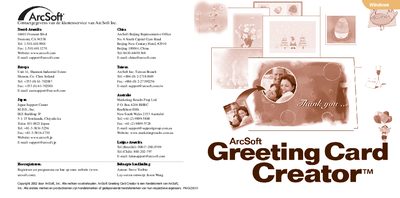
ArcSoft Greeting Card Creator is a Windows program that lets users design, edit, and send personalized greeting cards. The software includes built‑in designs, photo import, text editing, and printing options.
This guide walks you through the system requirements, installation process, how to select a design, add photos, titles, and illustrations, and how to save, print, or email the finished card. It also explains the options window for email programs and image sources. This manual is written in Dutch.
| Operating System | Windows 98/ME/2000/XP |
|---|---|
| Processor | Pentium II or equivalent |
| RAM | 64 MB (128 MB recommended) |
| Disk Space | 300 MB free hard‑disk space |
| Color Depth | 16‑bit color display |