
The document is a quick start guide for ArcSoft VideoImpression software, which introduces the software's main features and usage methods.
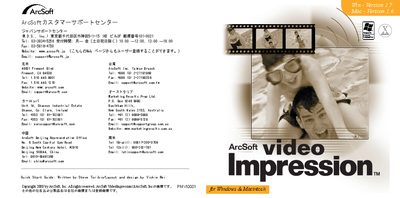
The guide introduces ArcSoft VideoImpression, a video editing and presentation program for both home and professional use. It outlines key features such as TWAIN compatibility, storyboard editing, and built‑in email sharing.
It includes system requirements, step‑by‑step installation procedures for Windows and Mac, and instructions for creating projects, using albums, editing images, adding text, and exporting or emailing movies. This manual is written in Japanese.
| Supported Windows versions | Windows 98/ME/2000/XP |
|---|---|
| Minimum RAM (Windows) | 64 MB |
| Minimum hard‑disk space (Windows) | 75 MB |
| Minimum display | 16‑bit color, 800 × 600 resolution |
| Supported Mac OS versions | Mac OS 8.6‑10.x |
| Mac CPU requirement | PowerPC |
| Minimum RAM (Mac) | 64 MB |
| Minimum hard‑disk space (Mac) | 100 MB |
Insert the VideoImpression CD, run D\Setup.exe (or double‑click the CD icon), and follow the on‑screen prompts.