
This is a user manual for ArcSoft Greeting Card Creator software, which can be used to make greeting cards.
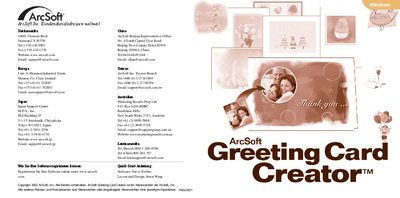
The guide introduces ArcSoft Greeting Card Creator, a program for designing personalized greeting cards using photos, text, and clipart. It covers system requirements, installation steps, and how to start the application.
Subsequent sections walk the user through selecting a paper type, configuring email options, managing albums, creating a card (design, photo, headline, clipart, interior view, print preview), saving the project, and sending it via email. The document ends with printing instructions and a reference to the online help file. This manual is written in German.
| Supported Operating Systems | Windows 98/ME/2000/XP |
|---|---|
| Hard Disk Space | 300 MB free |
| Memory (RAM) | 64 MB (128 MB recommended) |
| Display | 16‑bit color display |
In the Print Preview screen choose the option that prints both sides on the same sheet, then follow the prompts to re‑insert the paper for the second side.