
This document provides detailed information about a product, including the use of the main unit and remote control, connection methods, basic settings, disc playback functions, playback of other devices, setting options, radio tuning operations, and other functions. The product has various features and options, suitable for different usage scenarios.
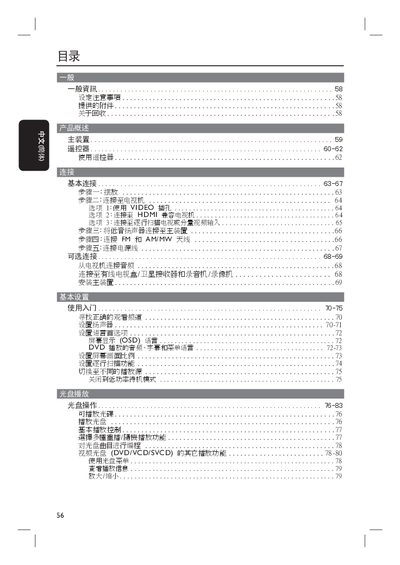
The manual begins with safety and setup precautions, describing how to place the unit, connect power, video (VIDEO, HDMI) and audio cables, and attach the supplied low‑frequency speaker and antenna. It lists all included accessories such as the remote control, speaker, HDMI cable, FM/AM antenna, and docking base.
Subsequent sections cover basic settings (language, OSD, screen aspect ratio), audio and video configuration, playback functions for DVDs, VCDs, DivX, MP3/WMA, JPEG slideshows, and USB/iPod sources, as well as radio tuning, volume control, sound modes, and a troubleshooting guide. A glossary of terms is provided at the end. This manual is written in Chinese.
| Battery type (remote) | R06 or AA |
|---|
You can use the VIDEO output, an HDMI cable, or a 3.5 mm video cable to connect the player to the television.
Select the language preference in the OSD menu under the language settings option.