
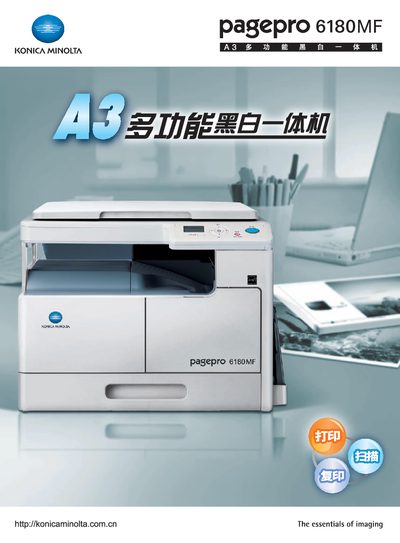
This manual covers the essential imaging functions of the Konica Minolta PagePro 6180MF printer, including paper handling for A3 formats and the supported print resolution of 600 dpi × 600 dpi. It also details the power requirements (220‑240 V, 3.5 A, 50/60 Hz) and the available USB interfaces (USB 1.1 and USB 2.0).
Installation guidance includes driver support for Windows operating systems such as Windows 2000, Windows XP, Windows Vista and Windows 7 (both 32‑ and 64‑bit). The manual provides troubleshooting tips and maintenance procedures to keep the printer operating reliably.
| Print resolution | 600 dpi × 600 dpi |
|---|---|
| Power supply | 220‑240 V, 3.5 A, 50/60 Hz |
| USB interface | USB 1.1 / USB 2.0 |
| Supported OS | Windows 2000, XP, Vista, 7 (32/64‑bit) |
| Maximum paper size | A3 |
The printer outputs at 600 dpi horizontally and 600 dpi vertically.
It operates on 220‑240 V with a current draw of 3.5 A at 50/60 Hz.
Both USB 1.1 and USB 2.0 connections are supported.
Drivers are available for Windows 2000, Windows XP, Windows Vista and Windows 7, in both 32‑ and 64‑bit versions.