
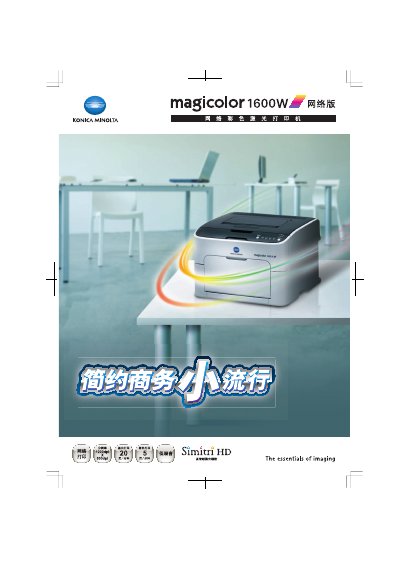
The magicolor 1600W network printer delivers vivid, high‑resolution color prints up to 1200 × 600 dpi, making it suitable for proposals, plans, and other professional documents. Its sleek, compact design blends easily into office environments and includes a built‑in network interface for shared use.
The printer offers multiple functions such as watermarking, economic printing mode, and multi‑page (2, 4, 6, 9, 16‑up) printing to reduce paper waste. It continues to print in black when the color toner is depleted, and features low noise operation (≈49 dB) with a standby level of about 29 dB. This manual is written in Chinese.
| Print speed | 600 dpl |
|---|---|
| Operating noise level | 49 dB |
| Power supply | 220‑240 V, 50/60 Hz |
| Maximum monthly print volume | 35 000 pages |
Yes, it can continue printing in black as long as black toner remains.
It supports multi‑page printing (2, 4, 6, 9, 16 pages per sheet) to reduce paper usage.