
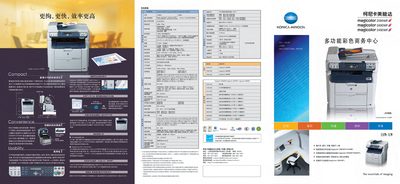
The magicolor 2590MF/2490MF/2480MF series are compact colour laser multifunction devices that combine printing, copying, scanning and faxing in one unit. They feature a high‑speed laser engine, eAIDC automatic colour calibration and an energy‑saving design.
The manual covers installation, network configuration, ADF use, duplex and scaling copy functions, scanning to PC or e‑mail, fax setup, paper handling, and routine maintenance. Detailed specifications, operation panels and troubleshooting tips are included to help users get the most out of the device. This manual is written in Chinese.
| Print speed (colour / B&W) | 5 ppm colour, 20 ppm B&W |
|---|---|
| Maximum print resolution | 2400 x 600 dpi |
| ADF capacity | 10 pages |
It prints colour at 5 pages per minute and black‑and‑white at 20 pages per minute.
The device can print up to 2400 × 600 dpi.
The ADF can automatically feed up to 10 pages for copying or scanning.