
This manual introduces the basic operation, charging method and functional components of PET730/PET732 portable DVD player.
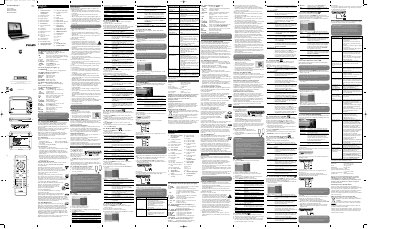
This manual explains how to unpack, charge, and operate the Philips PET730 and PET732 portable DVD players. It covers safety guidelines, battery handling, and basic controls such as power, volume, and menu navigation.
Key sections include charging the unit, powering the remote, supported disc formats, connection options (AV, USB, coaxial), troubleshooting tips, and a technical data sheet with dimensions, power requirements and video system details.
| Dimensions | 20.4 x 16.8 x 3.3 cm |
|---|---|
| Weight | 1.0 kg |
| Power supply | DC 9V 1.8A |
| Power consumption | ≤20W |
| Operating temperature | 0 °C to 50 °C |
| Laser wavelength | 650 nm |
| Video system | NTSC / PAL / AUTO |
Plug in the AC/DC adaptor; the red LED lights while charging and turns off when fully charged. It takes about 4 hours when not in use and more than 8 hours during use.
Open the battery compartment and insert one CR2025 lithium 3 V battery.
It supports DVD‑Video, Video CD, Audio CD, MP3 CD, WMA CD, CD with JPEG files, and DivX video discs, as well as standard CD‑R/RW and DVD‑R/RW.
Use the AV OUT connector with the supplied AV cable to send audio and video to the TV.