
User manual for GE C series digital camera C1033/C1233. The manual introduces the basic operation, connection, use of menu, play and other content of the camera.
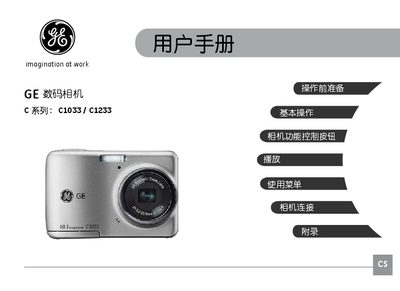
This manual provides step-by-step instructions for using the GE C1033/C1233 digital camera, including setup, basic shooting modes, playback, menu navigation, and troubleshooting. It covers safety precautions, battery and memory card handling, connecting to printers, and resolving common issues. The guide is written in Chinese with English technical terms and includes detailed diagrams and icons for quick reference.
| Model | C1033 / C1233 |
|---|---|
| Brand | GE |
| Manufacturer | General Imaging Co. |
| Country of Origin | China |
For new storage cards or those initialized by a PC, format them using the camera before use.
Check if the battery is dead or improperly installed. Replace the battery if needed.
The photo may be protected. Check if it is protected and remove protection if possible.