
GE digital camera J1456W user manual, introduces the camera's safety use, operation preparation, camera connection, use menu, playback, camera function control buttons, basic operation and other content.
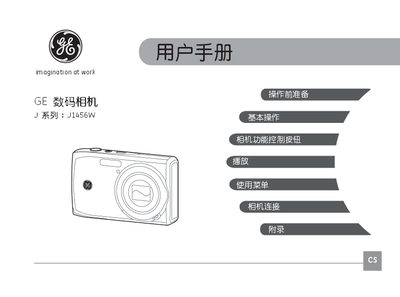
This manual introduces the GE J1456W digital camera, covering safety precautions, battery handling, SD/SDHC card installation, and basic operation steps such as power on/off, mode selection, and advanced menu functions. It also explains how to use features like flash, self‑timer, macro mode, and video recording.
Additional sections address proper cleaning, storage, and environmental considerations, as well as a troubleshooting guide for common issues like slow memory‑card write speed or write‑protection errors. This manual is written in Chinese.
| Model | J1456W |
|---|
The card is in a write‑protected state; try using another card.