
This is a user manual for GE digital camera X500.
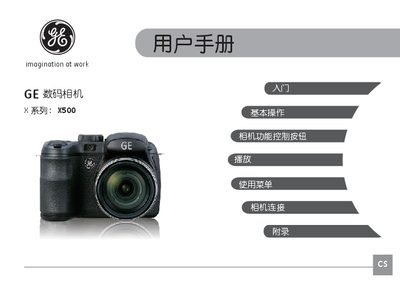
This manual covers important safety precautions for using the GE X500 camera, including handling of the battery, memory card, and environmental conditions. It also explains how to properly store and clean the camera to avoid damage.
The guide details basic operation modes such as auto‑focus, white balance, ISO settings, and various shooting scenes. Troubleshooting advice is provided for common issues like slow write speeds, water exposure, and connectivity with printers. This manual is written in Chinese.
| Supported Memory Cards | SD / SDHC |
|---|
Keep the battery dry, do not heat it, and never puncture, crush, or modify it.
Slow write speed can occur when the SD/SDHC card is near its capacity limit or when the camera’s firmware is not fully updated.