
This is a user manual for a GE digital camera, which mainly introduces the camera's operating methods, safety precautions, etc.
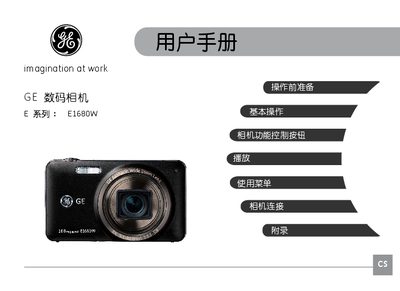
This manual introduces the GE E1680W digital camera, covering safety precautions, unpacking, battery charging, and SD/SDHC card installation. It explains how to navigate the LCD screen, set language, date, time, and basic camera functions such as auto mode, zoom, flash, and white balance.
The guide also details the various shooting modes (portrait, landscape, night, macro, etc.), how to view and delete photos and videos, and provides troubleshooting advice for common issues like slow memory‑card write speed or recording interruptions. This manual is written in Chinese.
| Model Name | E1680W |
|---|---|
| Supported Memory Card | SD/SDHC |