
This document introduces the operation preparation, basic operation, use of various modes, playback mode, and menu usage of GE digital cameras A series (A1255/A1455) and J series (J1455). It also provides information about electronic waste recycling, safety precautions, and battery and memory card usage.
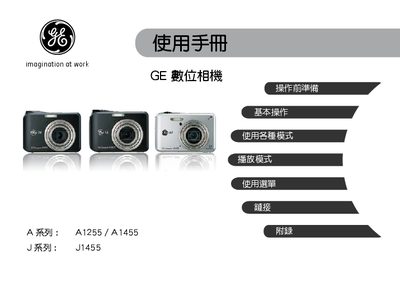
This manual introduces the GE digital camera series (A1255, A1455, J1455), covering safety rules, packaging contents, battery handling, and memory‑card preparation. It also includes regulatory information for U.S., European and other markets.
The guide details basic and advanced operation modes, menu navigation, image‑quality settings, video functions, USB and printer connections, as well as a full troubleshooting section with error‑message explanations and solutions. This manual is written in Chinese.
The battery may be depleted or not installed correctly; replace or reinstall the battery.
Camera shake can cause blur; enable the anti‑handshake (防手振) mode to reduce it.