
This document is the user manual for the GE digital camera E1450W. The manual includes information about basic camera operations, safety precautions, and tips for using batteries and storage cards.
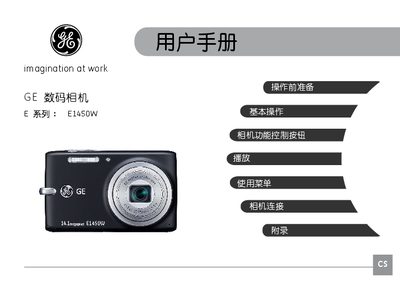
This manual covers safety precautions, proper handling, and environmental restrictions for the GE E1450W camera. It explains how to avoid fire, electric shock, and damage caused by moisture, extreme temperatures, and strong magnetic fields.
The guide walks you through unpacking, battery charging, installing memory cards, powering the camera on and off, selecting shooting modes, adjusting menu settings, and troubleshooting common issues such as slow memory‑card write speeds or playback problems. This manual is written in Chinese.
| Model | E1450W |
|---|
Use a memory card of Class 4 or higher, or format the card before recording.