
This document introduces the usage, precautions, and regulations of the GE digital camera PJ1. It includes basic operations of the camera, safety precautions, and tips for using batteries and memory cards.
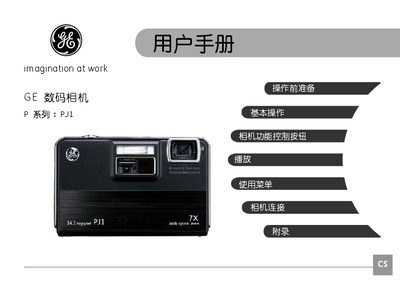
This manual begins with safety precautions, explaining where not to store or use the camera, how to handle the battery and memory card, and the importance of formatting cards before use. It then guides the user through installing the battery and SD/SDHC card, powering the camera on and off, and configuring language, date, and time settings.
Subsequent sections describe the various shooting modes (auto, portrait, night, scene selections, video, etc.), how to use zoom, flash, self‑timer, and other functions, and includes a troubleshooting guide for common issues such as slow memory‑card write speed or recording interruptions. This manual is written in Chinese.
Do not store the camera in rain, very humid, dusty places, or where it receives direct sunlight or high temperatures.
Use a new or properly formatted SD/SDHC card, preferably a high‑speed (Class 4 or higher) card before recording.
Keep the battery dry, do not heat it, and avoid twisting, disassembling, or modifying the battery.
Use a faster Class 4 or higher card, format it, or replace it with another card; also ensure the file‑name setting is correct.