
GE G series digital camera G100 user manual, including camera connection, using menu, playback mode, photo function operation, basic operation
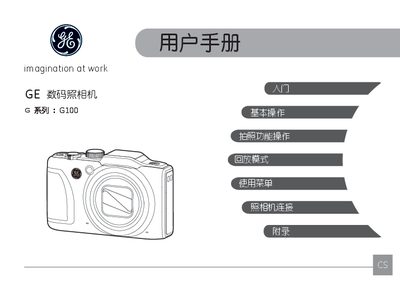
This manual begins with safety information, warning users to keep the camera away from rain, humidity, extreme temperatures, and magnetic fields, and to follow proper battery and memory‑card handling to avoid damage or fire.
It then covers setup and operation, including unpacking, attaching the shoulder strap, inserting the battery and SD/SDHC/SDXC card, powering the camera on and off, language and date settings, LCD screen functions, and detailed descriptions of shooting modes such as Auto, Manual, Shutter‑Priority, Program, Face Beauty, Panorama, Scene, and ASCN. This manual is written in Chinese.
| Model | G100 |
|---|---|
| Supported Memory Cards | SD, SDHC, SDXC |
No. The manual advises not to expose the camera or its accessories to rain or humid conditions to avoid fire or electric shock.
The camera supports SD, SDHC, and SDXC cards.
Remove the battery and memory card, store them in a dry place, and keep the camera away from direct sunlight and extreme temperatures.