
This document is the user manual for the MFC-J6710DW printer, which introduces the basic functions and operation methods of the printer and provides related safety and regulatory information.
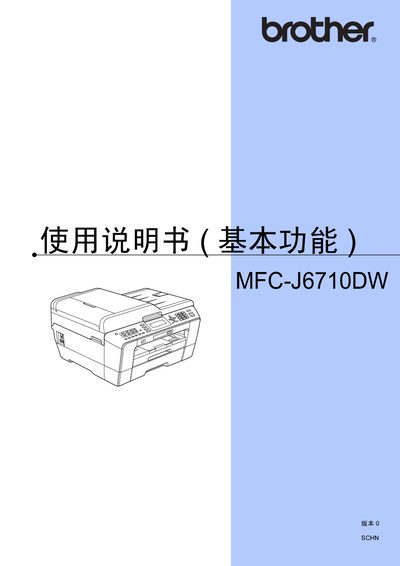
This manual covers safety guidelines, quick installation procedures, and the basic functions of the Brother MFC-J6710DW all‑in‑one printer, including printing, scanning, copying, and faxing. It also explains how to replace consumables such as ink cartridges and how to configure network and PC connections.
Later sections describe advanced features, detailed troubleshooting steps, and regulatory information such as material safety data. A specifications section lists key technical data for the device. This manual is written in Japanese.
Follow the Quick Installation Guide provided in the manual, which outlines the necessary steps for setting up the printer.
Use the scanner functions described under “使用自区章稿器” and “使用平板提描回” to scan documents directly to a computer or USB storage.