
This manual describes the advanced features of the MFC-J6910DW, including faxing, copying, security functions, printing reports and performing daily maintenance
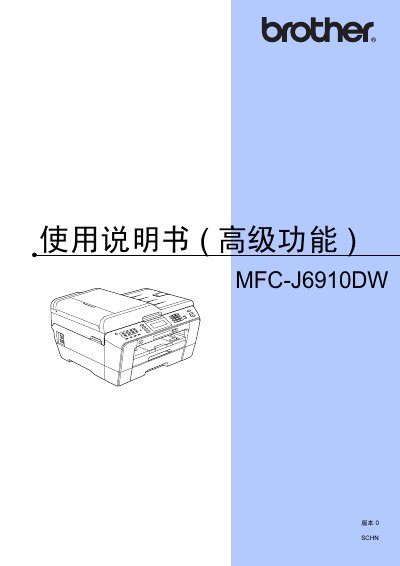
This manual provides detailed instructions for the advanced features of the Brother MFC-J6910DW all‑in‑one printer. It covers general settings, security lock configuration, fax sending and receiving, copying, scanning, image capture, and network setup.
The guide also includes daily maintenance procedures such as cleaning the rollers, checking ink levels, and resetting to factory defaults, as well as a glossary of terms and an index for quick reference. This manual is written in Chinese.
Select the idle time before the device enters sleep mode (1‑60 minutes) in the menu.
Enter the administrator password and configure the lock via the network browser at the device’s IP address.
Clean the external device, printer rollers, feed rollers, and other rollers as described in the maintenance section.