
MFC-J6910DW Basic User's Guide, introduces how to operate copy, scan, fax and other functions
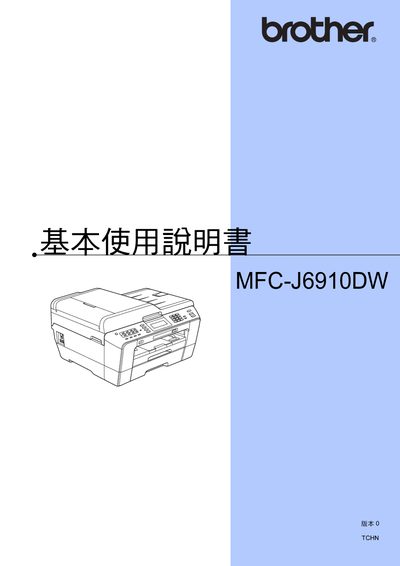
This manual covers safety information, quick‑setup steps, basic operation, and advanced features such as network configuration, scanning, fax, and telephone functions. It also includes detailed instructions for paper loading, ink cartridge replacement, and using the PhotoCapture Center.
Additional sections provide maintenance procedures, cleaning tips, troubleshooting guidance, and a specifications overview for the MFC-J6910DW model. This manual is written in Chinese.
You can register the product at the Brother registration website.
Use the PhotoCapture Center to scan to a USB memory stick as described in the scanning section.
Follow the cleaning and inspection steps in the maintenance section to keep the printer in good condition.