
This user manual provides basic operation information for MFC-J6910DW, including fax, copy, scan, Image Capture Center™ operations and replacement of consumables, and provides troubleshooting tips
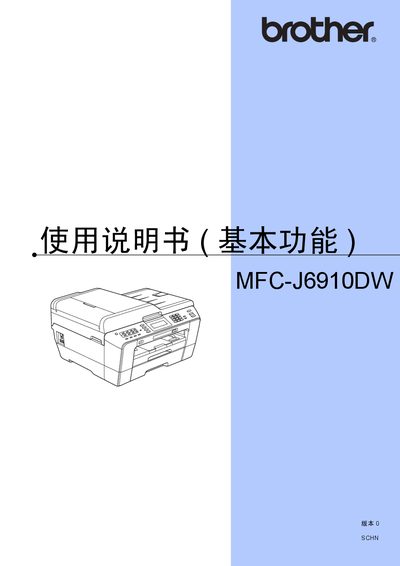
This manual provides step‑by‑step instructions for using the Brother MFC-J6910DW all‑in‑one printer. It covers basic functions such as printing, copying, scanning, and faxing, as well as detailed guidance on loading paper, selecting media types, and configuring the control panel and LCD display.
Additional sections describe routine maintenance tasks like replacing ink cartridges, cleaning the print head and scanner glass, and troubleshooting common errors. Environmental disposal and regulatory information are also included. This manual is written in Chinese.
Refer to the "装入纸张和其他打印介质" section, which explains that you place paper into the upper paper box.
The maintenance chapter includes a "更换墨会" step that shows how to replace the ink cartridges.
Cleaning the print head is covered in the maintenance section under "清洁打印头".