
This manual introduces the use of C-700 Ultra Zoom, including the names of each part, purpose classification directory, main features, preparation work, quick start guide and button functions
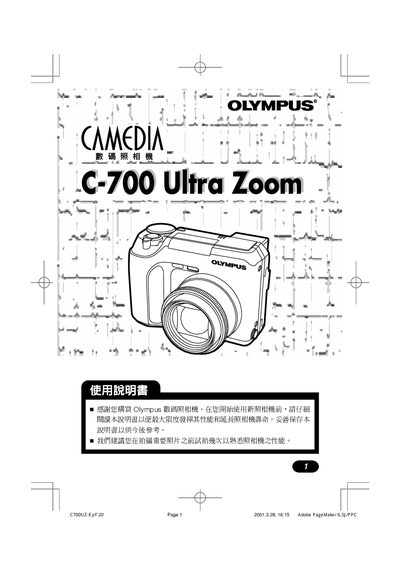
This manual introduces the Olympus C-700 Ultra Zoom digital camera, covering basic handling, safety precautions, and regulatory compliance. It guides users through initial setup, battery installation, and basic controls to help get the camera ready for shooting.
The document details shooting modes, focus options, flash usage, self‑timer, and advanced features such as digital zoom and auto‑focus. An index and quick‑start guide are provided for fast reference, along with troubleshooting and maintenance tips. This manual is written in Japanese.
| Model | C-700 Ultra Zoom |
|---|---|
| Manufacturer | Olympus |
Refer to the Quick Start Guide and use the AUTO mode as described on page 31.
The index can be found on page 200 of the manual.
The equipment complies with FCC Part 15 regulations.
The model is C-700 Ultra Zoom.