
This is a Kodak digital camera instruction manual, the model is KB Zoom
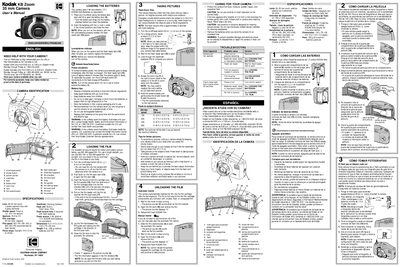
This manual explains how to operate the Kodak KB Zoom 35 mm camera, covering battery installation, film loading, shooting procedures, and care instructions. It also includes specifications, flash operation details, and a troubleshooting guide.
The document is organized into sections such as Camera Identification, Specifications, Loading the Batteries, Loading the Film, Taking Pictures, Unloading the Film, Caring for Your Camera, and Troubleshooting, each with step‑by‑step instructions and safety warnings.
| Lens | 28-50 mm zoom, 1 plastic aspheric lens with 2 glass elements |
|---|---|
| Shutter speed | Fixed at 1/60 to 1/200 sec |
| Aperture | f/6.5 to f/11 |
| Film size/type | 35 mm color negative |
| Focus range | Daylight: 5 ft (1.5 m) to infinity |
| Viewfinder | Zooming Galilean |
| Flash unit | Built‑in, fires every time |
| Flash‑recycle time | 5 seconds with fresh batteries |
| Power source | 2 AA alkaline Kodak KAA batteries (1.5 V each) |
| Dimensions | 5.2 x 3.0 x 2.2 in (132 x 78 x 56 mm) |
| Weight | 9 oz (253 g) without batteries and film |
Open the battery door, insert two AA alkaline Kodak KAA batteries with the correct polarity, and close the door. The flash‑ready light will glow when the batteries are correctly installed.
Open the film‑door latch, insert the film cartridge onto the film spindle, pull the film leader to the film‑load mark, and close the film door to start automatic advance.
When the flash‑ready light (indicator 10) glows, the flash is charged and ready for the next picture.
Check the batteries for weak or dead cells, ensure the flash‑ready light is on, and verify that film is properly loaded; see the troubleshooting section for specific symptoms.