
This manual introduces the use of KODAK PALMPIX camera, including the features of the camera, software installation, operation instructions, image processing, etc.
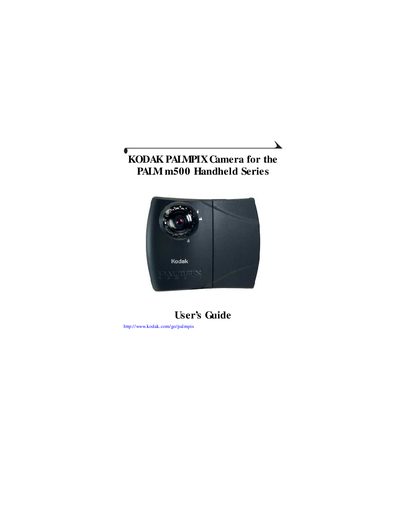
The Kodak PALMPIX Camera User Guide explains how to install the software, operate the camera, and manage pictures on the PALM m500 handheld series. It covers camera features, software installation, picture capture, and transfer methods.
The manual also details picture management on expansion cards, troubleshooting, and where to obtain support through Kodak online services, fax, or telephone. Appendices provide camera specifications, safety information, warranty, and regulatory compliance.
| Supported resolutions | 800 × 600 (SVGA), 640 × 480 (VGA), 320 × 240 (¼ VGA) |
|---|---|
| Digital zoom | 2× |
| Focus modes | Manual focus for Macro, Portrait, Landscape, Business card, Page |
| File formats (PC) | JPEG (.JPG) or Bitmap (.BMP) |
| File formats (Macintosh) | JPEG or PICT |
It can capture images at 800 × 600 (SVGA), 640 × 480 (VGA) or 320 × 240 (¼ VGA).
The camera offers a 2× digital zoom.
Pictures can be saved as JPEG (.JPG) or Bitmap (.BMP) files on a PC.