
This manual introduces how to use the KODAK DC25 digital camera and software
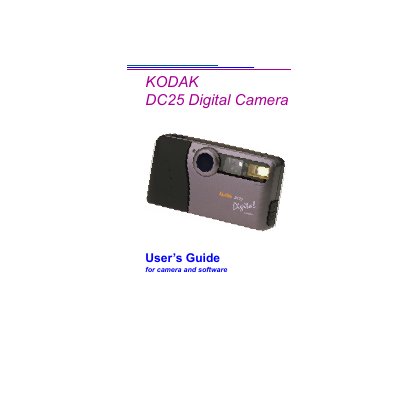
This manual introduces the Kodak DC25 digital camera, describing its package contents, battery requirements, and basic controls such as the flash, LCD display, and resolution switch. It also covers how to install and use the bundled software for transferring and editing pictures on a computer.
Detailed sections explain camera functions like self‑timer, automatic power‑off, and memory management, as well as optional accessories and general maintenance. The guide includes step‑by‑step instructions for connecting the camera via serial cable, using Kodak Picture Easy, PhotoEnhancer, and Picture Postcard software, and troubleshooting common issues.
| Storage Capacity | 2 MB on optional Picture Card |
|---|---|
| Battery Type | Two 3‑volt lithium batteries |
| Display | Color Liquid Crystal Display (LCD) |
The DC25 is powered by two 3‑volt lithium batteries.
Use the Kodak Picture Easy software or PhotoEnhancer on the supplied CD to transfer images via the serial cable.