
This is a user manual for KODAK mc3 Portable Multimedia Device
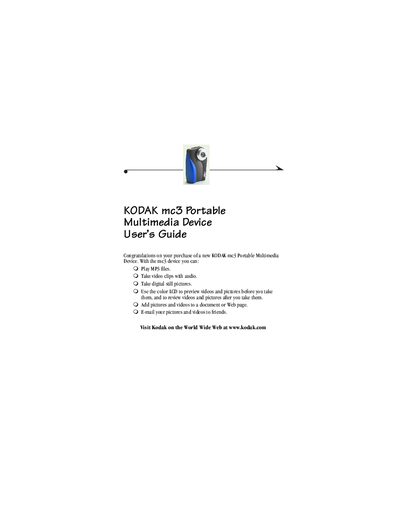
This guide walks you through getting started with the Kodak mc3, including attaching the wrist strap, loading the AAA batteries, and inserting a Kodak Picture Card. It also covers basic functions such as playing MP3 files, taking photos and videos, and transferring media to a computer.
Additional sections detail software installation for Windows and Macintosh, troubleshooting tips, warranty information, and technical specifications. Safety instructions for battery use and device handling are also provided.
| Battery type | Three AAA-size batteries (included) |
|---|
Thread the short loop of the wrist strap through the recessed post, then thread the long end through the short loop and pull until secure.
The mc3 uses three AAA-size batteries; insert the single battery with the (+) end first and the other two with the (‑) end first, then close the battery door.
Open the picture card slot, insert a Kodak Picture Card, and close the slot securely.