
This manual introduces the use of the Kodak Digital Science DC120 Zoom digital camera.
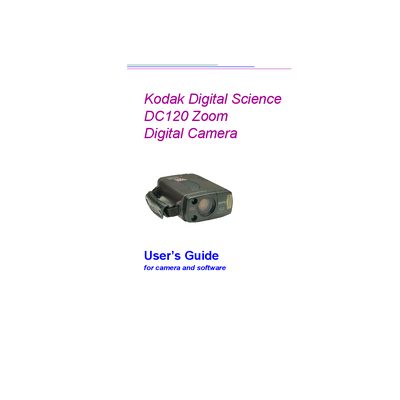
This guide introduces the Kodak DC120 Zoom Digital Camera, describing its 3x zoom lens, built‑in flash, color LCD display, and 2 MB of internal storage. It walks new users through the package contents, basic camera functions, and how to get started with shooting.
The manual also covers the included software for picture transfer, editing, and printing, provides detailed instructions for connecting the camera to a computer, and includes troubleshooting, maintenance, and safety information.
| Zoom Lens | 3x zoom |
|---|---|
| Flash | Built‑in flash |
| Display | Color LCD |
| Internal Storage | 2 MB |
The DC120 offers 2 megabytes (MB) of internal picture storage.
The package includes the camera with handstrap, user’s guide, two serial cables (Mac and PC), software, four AA batteries, quick‑setup guides, and registration cards.