
This manual introduces the basic use of EasyShare series 3 camera dock, including attaching camera insert, loading rechargeable battery, connecting power, connecting computer, connecting TV, transferring pictures, etc.
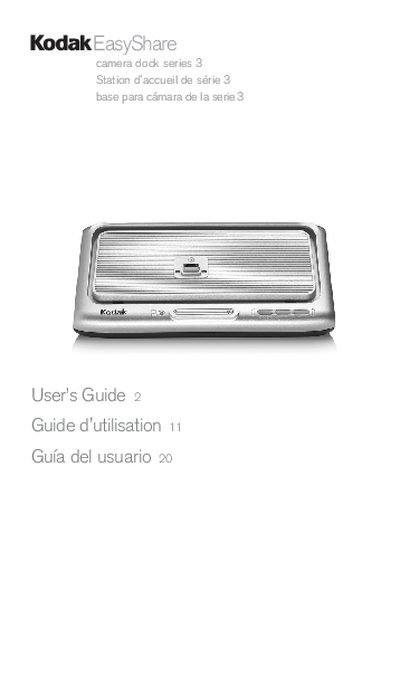
This guide shows how to attach the custom camera insert, load the appropriate battery, and connect the dock to a computer or TV. It describes the charging indicators, USB and A/V connections, and the steps for transferring pictures using EasyShare software.
The manual also provides specifications for power input and communication, detailed troubleshooting tips for common issues such as failed transfers or missing lights, and regulatory compliance information for FCC, Canadian, and VCCI standards.
| Communication with computer/printer | USB (cable included with Kodak EasyShare camera dock, series 3) |
|---|---|
| DC Voltage Input | 5 VDC at 2.0 Amps |
| AC Voltage | 110 V to 240 V 50/60 Hz |
The EasyShare software may be missing or installed incorrectly; reinstall the software after disconnecting the USB cable and removing the camera from the dock.
A blinking red light means the battery is not properly loaded; reload the battery or replace it if damaged.
Charging can take up to three hours, and the battery check light may stay on for up to ten minutes.
Use only the AC adapter that was included with the dock, even if its plug differs from other adapters.