
The Rollei da20 DigitalBino is a binocular with an integral digital camera that is great for sporting events, hiking, and wildlife activities, such as bird watching. It allows you to record valuable memories and sights at the touch of a button. While the sophisticated binoculars bring you up close to far-distant subjects, the built-in digital camera simultaneously captures images for you to take home. You can then share your fun with others by downloading the images from the camera to your computer and emailing them to your friends and family.
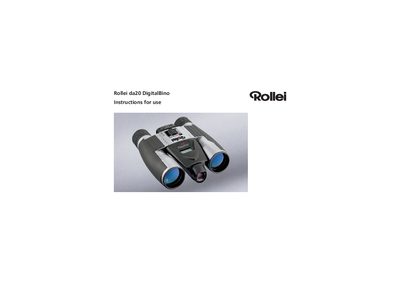
The Rollei da20 DigitalBino is a binocular equipped with an integrated digital camera for sports, hiking, and wildlife observation. This manual provides safety warnings, operating instructions, and guidance on image management.
Key sections cover battery cautions, environmental limits, part identification, photo and video saving, SD‑card handling, driver installation, and PC viewing procedures.
| Battery type | AAA (No. 4) alkaline |
|---|---|
| Operating temperature | 5 °C – 40 °C |
| Flash memory | 16 MB internal |
| Auto‑shutdown time | 90 seconds of inactivity |
| Battery‑level display | LCD indicator in lower right corner |
| SD‑card requirement | SD card must be inserted for image capture |
No – looking at or near the sun with the DigitalBino can cause immediate and irreversible eye damage.
It uses size AAA (No. 4) alkaline batteries and should not be mixed with other types.
The device automatically shuts down after 90 seconds of inactivity, then beeps and powers off after an additional 10 seconds.