
This manual provides detailed instructions on how to use the camera's features
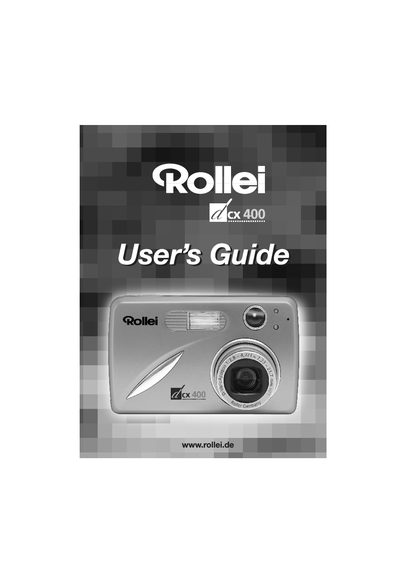
This manual covers the Rollei dcx400 digital camera, a 4‑megapixel compact camera with optical and digital zoom, LCD viewfinder, and video capability. It guides users through unpacking, battery installation, basic operation, and advanced features such as custom menus and video recording.
Key sections include Getting Started, Taking Pictures and Video Clips, Customizing Settings, Connecting to a Computer, Safety Tips, and detailed Camera Specifications. The guide also provides troubleshooting, error messages, and regulatory information.
| Resolution | 4 Megapixels, 2272 × 1704 |
|---|---|
| Optical Zoom | 3× |
| Digital Zoom | 6× |
| LCD | 1.5" Color TFT |
| Internal Memory | 16 MB |
| Supported Memory Card | SD up to 512 MB |
| Battery | 2× AA rechargeable NiMH |
| Dimensions | 100 × 61 × 31.5 mm |
| Weight | 150 g (without batteries) |
Press the Power Button to turn the camera on; the lens opens, extends, and the LCD turns on. Press the Power Button again to turn it off, or the camera will auto‑power off after a period of inactivity.
Five battery level indicators are displayed on the LCD to show the current charge status.