
Key facts
- Manuals
- 30
- Models
- 2
- Categories
- 2
- Languages
- EN · DE
- Last added
- 2012-03-26
Rollei models by category
Featured Rollei manuals
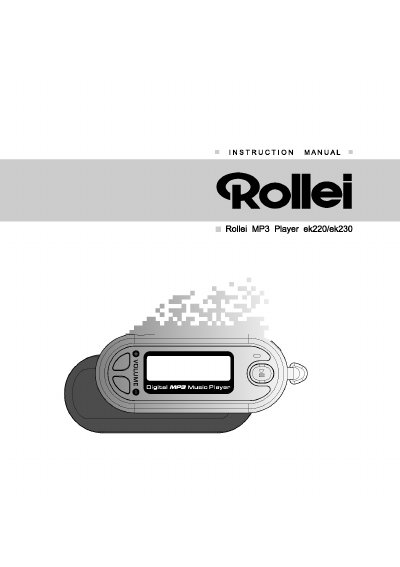
Rollei ek220/ek230 MP3 Player User Manual
This manual explains the functions and operation of the Rollei ek220/ek230 digital audio player. It covers the layout of controls, LCD display details, playback and recording procedures, FM radio use, and computer connectivity.
Safety notices, troubleshooting tips, and regulatory information are also included to help users maintain the device and comply with regional requirements.
Covers: Name of Controls & Indicators · Accessories · LCD Display · Getting Playback Started · Getting Voice Recording Started · Adjusting Menu Mode
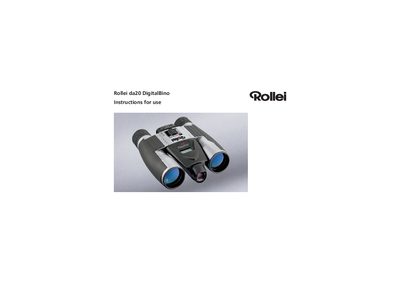
Rollei da20 DigitalBino User Manual
The Rollei da20 DigitalBino is a binocular equipped with an integrated digital camera for sports, hiking, and wildlife observation. This manual provides safety warnings, operating instructions, and guidance on image management.
Key sections cover battery cautions, environmental limits, part identification, photo and video saving, SD‑card handling, driver installation, and PC viewing procedures.
Covers: Introduction · Important Note · Battery Cautions · Hints on Usage · Operating Environment / Care · Product Part Identification
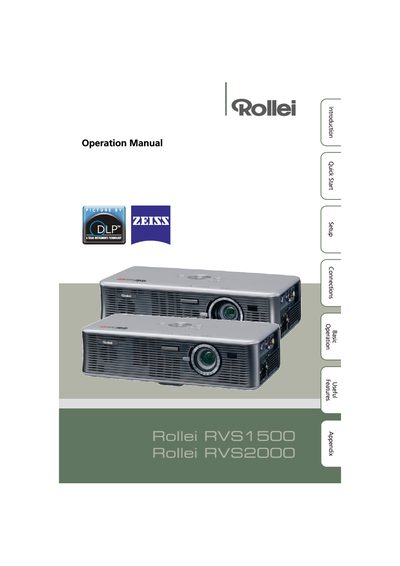
Rollei RVS1500/2000 Projector User Manual
This manual covers important safety information, including electrical plug requirements for the UK, lamp‑replacement procedures, and handling of high‑brightness light sources. It also explains how to set up the projector, use the menu system, and adjust picture settings.
Detailed sections describe connections, remote‑control functions, maintenance indicators, troubleshooting tips, and full technical specifications such as resolution, lamp power, and operating temperature.
Covers: Important Safeguards · Quick Start · Basic Operation · Menu Screen · Setup Guide · Lamp Replacement
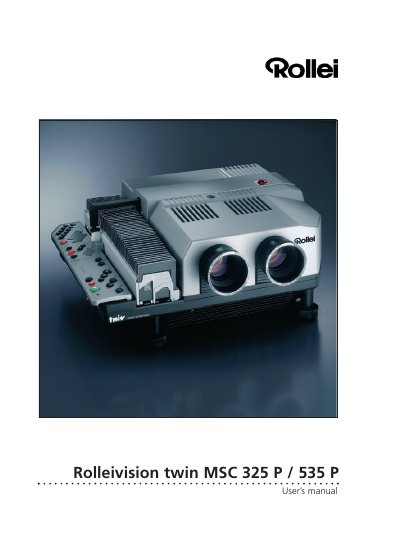
Rollei MSC 325 P / 535 P Projector User Manual
This manual covers the Rollei Rolleivision Twin MSC 325 P and MSC 535 P compact dissolve projectors. It describes the components, controls, and safety information, then guides you through installation, lens selection, magazine loading, focusing, and image registration.
Key sections include programming basics and advanced techniques, computer and sync‑pulse control, troubleshooting tips, and a full specifications table with lamp, power, and dimension data. The document also lists optional accessories and provides wiring diagrams for external sync‑pulse generators. This manual is written in German.
Covers: Components and controls · Setting up the projector · Programming basics · Sync‑pulse control · Troubleshooting · Specifications
Latest Rollei manuals
Rollei XS-10 Manual
The document is about the 15-page technical specifications and test reports of SC-1 FCC. It describes the features and performance parameters of SC-1 FCC.
Rollei da101 Manual
This document is a manual for the Rollei Asia DA101 camera, providing information about the camera's features and how to use it.
Rollei X-8 Sports Manual
This file is the Rollei 600SE manual, which mainly introduces the product's use instructions, safety instructions, product information and common problem solutions.
Rollei da8535Prego Manual
This manual is a user manual for Canon cameras, which introduces the various functions and usage methods of the camera.
Rollei ek220/ek230 MP3 Player User Manual
User Manual 32 pages · 3.8 MB · ENThe Rollei ek220/ek230 MP3 Player User Manual provides operating instructions, control descriptions, and safety information.
Rollei da20 DigitalBino User Manual
User Manual 24 pages · 2.1 MB · ENThe Rollei da20 DigitalBino user manual explains safe use, battery handling, photo storage, and PC connection for this binocular‑camera.
Rollei RVS1500/2000 Projector User Manual
User Manual 70 pages · 7.5 MB · ENThe Rollei RVS2000/1500 projector user manual provides safety instructions, setup steps, operation guidance, and technical specifications.
Rollei MSC 325 P / 535 P Projector User Manual
User Manual 72 pages · 8.7 MB · DEThe Rollei MSC 325 P and 535 P projectors user manual provides setup, operation, programming, and troubleshooting instructions.
Rollei Rollei ex 6008 AF/Rollei ex 6008 integral2 user manual
Rollei 35RFcamera Manual
User Manual 43 pages · 2 MB · DEThe Rollei 35 RF user manual provides step‑by‑step instructions for setup, operation, film handling, battery care and maintenance of this compact TTL…
Rollei Prego 100 WA and Prego 130 WA User Manual
User Manual 32 pages · 298 KB · ENThe Rollei Prego 100 WA and 130 WA camera user manual provides instructions for battery installation, film loading, operation, and troubleshooting.
Rollei Giro 70/90/105 Camera Owner's Manual
User Manual 10 pages · 341 KB · ENThe Rollei Giro 70/90/105 Owner's Manual provides step‑by‑step instructions for loading film, using controls, shooting modes, flash, self‑timer and…
Rollei Prego 145 Camera User Manual
User Manual 91 pages · 934 KB · DEThe Rollei Prego 145 camera user manual provides instructions for operation, battery handling, film loading, and troubleshooting.
Rollei Prego 125 and 140 Owner's Manual
User Manual 80 pages · 3.5 MB · DEThe Rollei Prego 125/140 owner's manual provides operating instructions, safety tips, and technical specifications for the 35 mm automatic camera.
Rollei Prego 115 User Manual
User Manual 96 pages · 3.5 MB · DEThe Rollei Prego 115 user manual provides operating instructions, feature descriptions, troubleshooting tips, and technical specifications for the fully…
- 1
- 2
Which document do I need?
User Manual
Day-to-day operation, settings and troubleshooting. Start here if the product is already set up.
Quick Start Guide
The shortest path to a working setup, usually only a few pages.
Questions answered in Rollei manuals
Can I look at the sun through the DigitalBino?
No – looking at or near the sun with the DigitalBino can cause immediate and irreversible eye damage.
What batteries does the DigitalBino require?
It uses size AAA (No. 4) alkaline batteries and should not be mixed with other types.
How long does the cooling fan run after the projector enters standby mode?
The cooling fan continues to run for about 90 seconds after standby is engaged.
What is the default dissolve duration and how can it be changed?
The default dissolve time is 2 seconds; it can be changed to 0.1, 3 or 6 seconds using the remote handset.
What voltage does the projector require?
The projector operates on 220 V to 240 V AC and automatically adapts to the line frequency.
How do I attach the strap to the Rollei 35 RF?
Place the strap as shown in the illustration and attach it so that the end of the strap sits on the inside of the strap loop.
From: Rollei 35RFcamera Manual