
This is the instruction manual for Rollei dsx410 camera
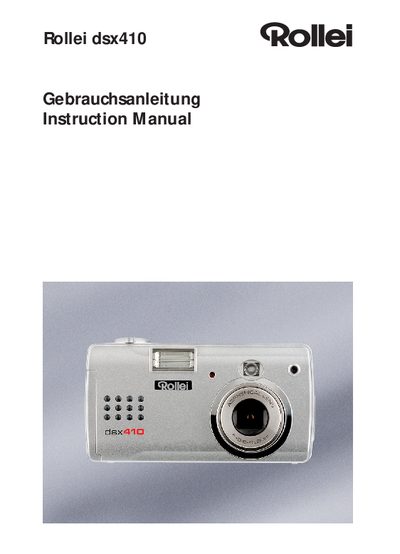
This manual guides you through unpacking, installing batteries and memory cards, and configuring basic settings such as language, date, and power‑saving functions. Detailed chapters cover taking still pictures, recording video clips, reviewing media, and using the optional software on Windows or Mac.
Safety precautions, battery handling rules, and troubleshooting tips are included, along with full technical specifications, connectivity options, and dimensions of the dsx410 camera. This manual is written in German.
| Effective Pixels | 4.1 M |
|---|---|
| Sensor | 1/2.5 inch interline CCD |
| Image Size | 2288 × 1720 |
| Lens Focal Length | 5.6‑16.8 mm (35 mm equiv. 34‑100 mm) |
| Maximum Shutter Speed | 1/2000 s at F4.8 |
| ISO Sensitivity | 200, 400 or Auto |
| Internal Memory | 16 MB |
| Video Output | NTSC and PAL selectable |
| Dimensions | 110 mm × 56 mm × 35 mm |
| Weight | 160 g (without batteries) |
Use the video output jack and select either NTSC or PAL mode depending on your TV.
The camera can shutter as fast as 1/2000 second at an aperture of F4.8.