
This document describes the various features and functions of the Rollei d23 digital camera.
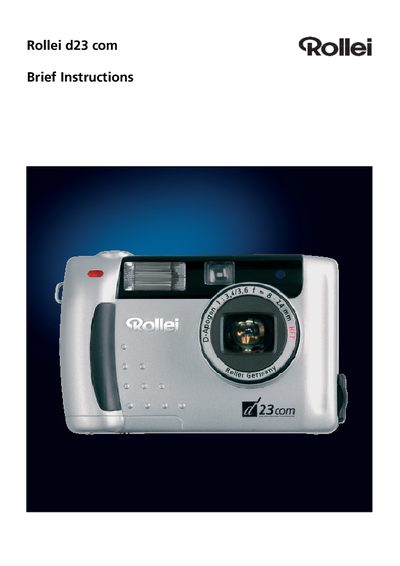
This manual introduces the Rollei d23 digital camera, describing its main components such as the shutter control, viewfinder, LCD screen, and accessories included in the package. It also explains the functions displayed on the data monitor, like image size, flash mode, and battery status.
The guide walks you through installing the driver software on Windows and Mac OS, detailing each step from inserting the CD to completing the installation. Additional information includes battery requirements, available ports, and warranty details.
| Battery type | AA alkaline (4x) |
|---|---|
| Tripod socket size | 1/4" |
| USB connector | USB connector for data transfer |
| Video output | Video out connector |
It requires four AA alkaline batteries.
Insert the installation CD, double‑click the Setup icon, and follow the on‑screen prompts such as Next, Accept the license, and Finish.
The camera provides a USB connector, a video‑out connector, and a 1/4‑inch tripod socket.