
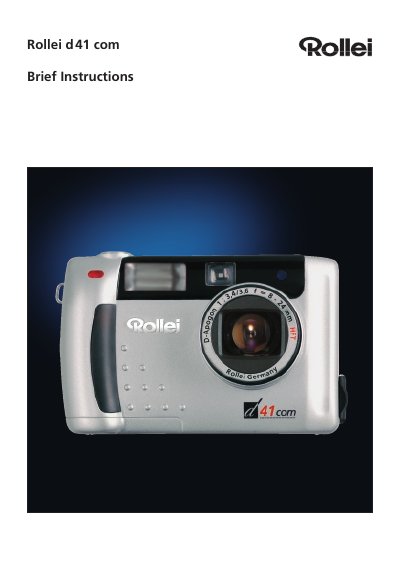
Rollei d41 com Digital Camera Brief Instructions


Rollei d41 com Digital Camera Brief Instructions - cover page
Brand
Rollei
Category
Digital cameras
Document type
Quick Start Guide
Language
English
Pages
8
File format
PDF
Published
15 March, 2012
Updated
29 September, 2023
Model
D41
MD5 checksum
EC0A1A7B536ACB025D28237AFFE0E163

About this manual

The Rollei d41 com is a digital camera. These brief instructions identify the camera parts, terminals, bottom plate, and data monitor indicators, and they list the items supplied with the camera.

The document explains installing the TWAIN and USB drivers for Windows and Macintosh systems and transferring JPEG image files. It notes that a detailed manual is supplied as a PDF file on the Rollei CD-ROM.

What's inside

  • Before You Start
  • Description of Parts
  • Terminals and Bottom Plate
  • Data Monitor
  • Installing the Driver Software
  • Installation of the TWAIN driver
  • Installation of the USB driver
  • Transferring image files

Specifications

Tripod socket1/4 inch
Batteries supplied4x AA alkaline
ConnectionsPower supply, video out, USB connector

Frequently asked questions

What batteries are supplied with the Rollei d41 com?

Four AA alkaline batteries are supplied.

Where is the detailed camera manual?

A detailed set of instructions is provided as a PDF file on the Rollei CD-ROM.

How are pictures transferred from the camera?

Pictures are transferred using the TWAIN driver.

Which Windows versions do the USB drivers support?

The USB drivers support Windows 98, Windows 98 Second Edition, Windows 2000 Prof/Me, and Windows XP.

Download PDF

More Rollei Manuals


View all Rollei manuals →