
This document is a digital camera instruction manual, which introduces the names and operating methods of the various parts of the camera.
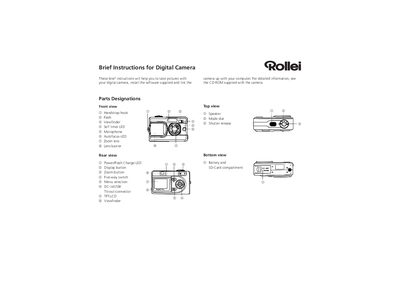
This manual provides quick instructions for using the Rollei Brief digital camera. It covers battery installation, memory‑card handling, basic shooting operations, flash settings, and how to configure image quality.
The guide also explains how to install the supplied software on a Windows PC and how to transfer photos and video clips via the mini‑USB connector, either with the provided ArcSoft application or by using standard file‑dragging methods.
| Battery type | Li‑ion |
|---|---|
| Memory card slot | SD‑Card |
| Display | TFT‑LCD |