
The Symbol DS3508 Digital Scanner Product Reference Guide provides an overview of the features and characteristics of the DS3508 digital scanner.
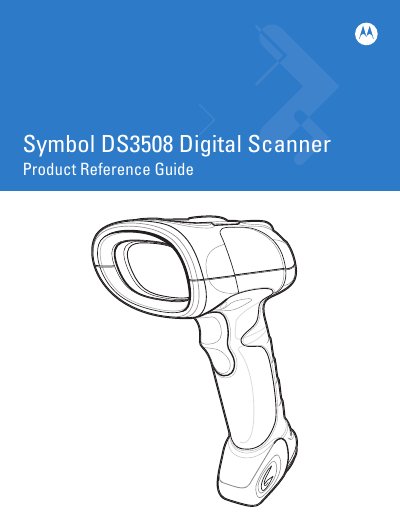
This guide introduces the Symbol DS3508 Digital Scanner, covering unpacking, power connection, interface cable installation, and basic configuration. It walks users through getting started, scanning modes, and how to adjust preferences for optimal performance.
Later chapters detail maintenance procedures, technical specifications, and advanced options such as power‑saving modes, beep settings, and decoding parameters. The document also includes warranty information and revision history.
Install the Interface Cable as described in Chapter 1, Setting Up the Digital Scanner (page 1‑3).
Connect power as required, following the instructions in Chapter 1, Connecting Power (if required) (page 1‑4).
The full Motorola hardware product warranty is available at http://www.motorola.com/enterprisemobility/warranty.
The guide is Revision A, dated April 2010.