
This document is the user manual for Lenovo ThinkPad notebook
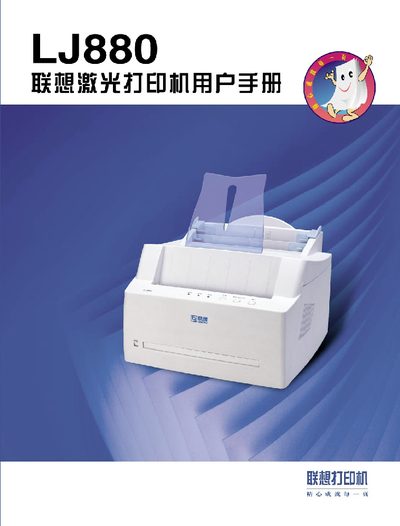
This manual guides you through installing the LJ880 printer, loading toner, connecting via parallel cable, and configuring paper settings. It also explains special functions such as high‑resolution printing, duplex options, and energy‑saving modes.
Additional sections cover routine maintenance, cleaning, troubleshooting common issues like paper jams and print quality problems, and include an appendix with specifications and driver installation details. This manual is written in Chinese.
| Print resolution | 900 dpi |
|---|---|
| Print speed | 8 pages per minute |
| Automatic feeder capacity | 150 sheets |
| Paper output positions | 2 (face‑down tray and face‑up tray) |
| Supported paper sizes | A2, A3, A4, A6, etc. |
Use a parallel cable to connect the printer to the computer, following the wiring diagram in the setup section.