
Instruction manual, introduce how to use blood pressure meter
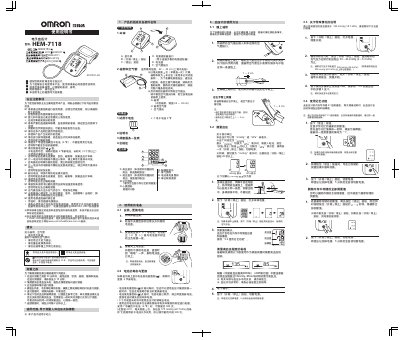
This manual provides step‑by‑step instructions for setting up the Omron HEM‑7118 electronic blood pressure monitor, including battery installation, cuff placement, unit switching (mmHg/kPa) and proper measurement technique. Safety warnings and maintenance tips are included to ensure reliable, accurate readings.
Technical specifications such as measurement range, accuracy, battery life, dimensions and cuff size are listed, and a troubleshooting section helps resolve error messages and common problems. The document also contains a Q&A section that answers typical user questions about home measurements versus clinical readings. This manual is written in Chinese.
| Measurement range | 0 ~ 299 mmHg (0 ~ 39.9 kPa) |
|---|---|
| Pressure accuracy | ± 3 mmHg (±0.4 kPa) |
| Pulse accuracy | ±5 % |
| Battery type | 7‑号 alkaline dry cell (4 pieces) |
| Battery life (typical) | ≈300 measurements under specified conditions |
| Dimensions (W × D × H) | 104 mm × 128 mm × 64 mm |
| Weight | ≈245 g (without battery) |
| Cuff size (arm circumference) | 22 ~ 32 cm |
| Operating temperature / humidity | +5 ~ +40 °C, 15 % ~ 85 % RH |
Insert the battery, then press and hold the Start/Stop button for more than 20 seconds; release and press the button once more to confirm the new unit.
Do not inflate the cuff beyond 299 mmHg; stop inflation and follow the special‑situation instructions to avoid error messages.
Press and hold the Read button while simultaneously holding the Start/Stop button for about 2‑3 seconds; the device will clear all memory.