
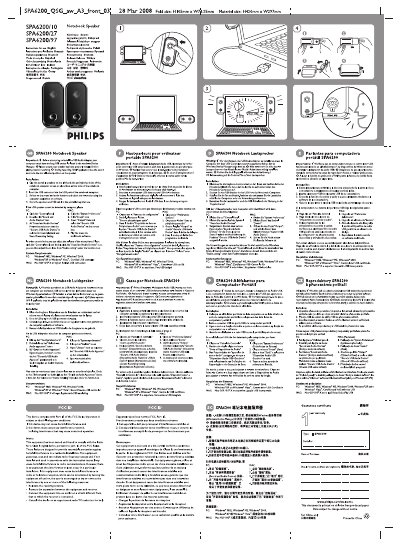
The guide provides step‑by‑step instructions for installing the portable speakers on the left and right sides of a notebook computer, connecting the USB connector, and turning on the audio functions. It also explains how to adjust the microphone volume to avoid echo during recording or VOIP calls.
System requirements are listed for Windows (98SE, ME, 2000, XP, Vista) and Mac OS (9, X or later) with a certified USB controller. FCC compliance information and troubleshooting tips for undetected speakers are also included.
| Physical dimensions (folded) | H5 mm × W74.25 mm |
|---|---|
| Material size | H420 mm × W297 mm |
Place the portable speakers on the left and right sides of the notebook screen, plug the USB connector into a USB port, turn on the sound and audio functions, and adjust the volume using the computer’s audio settings.
A PC running Windows 98SE, ME, 2000, XP or Vista with a certified USB controller, or a Mac running MacOS 9, X or later with built‑in USB support.
Ensure the computer’s USB controller is recognized in the Windows Device Manager, verify the speakers are properly installed, and check the sound settings for the "Generic USB Audio Device".