
This document is the quick start guide for iPod Docking Cradle for WAC7500, WAS7500. It introduces the connection, installation and use of the product.
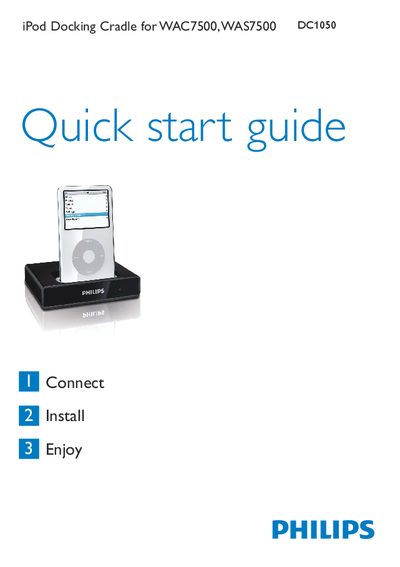
The guide begins with a list of items included in the box, such as the docking cradle with a fixed cable, an RCA extension cable and several iPod dock adapters. It then provides step‑by‑step instructions for connecting the cradle to a Philips Music Center or Music Station, inserting the appropriate dock adapter, and powering the iPod.
After installation, the manual explains how to control iPod functions (play, pause, navigation, volume, skip/search) using the remote control, and includes a troubleshooting section for common issues like no sound or unresponsive remote controls. Technical specifications for the audio output are also listed. This manual is written in Chinese.
| Audio output | RCA red/white plus 9‑pin DIN 3.5 mm (fixed cable) |
|---|
Connect the cradle’s cable to the Music Center or Music Station using the RCA red/white audio plugs and the 9‑pin DIN plug.