
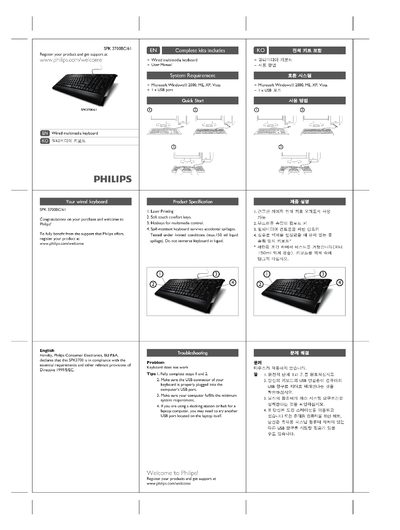
This manual covers the Philips SPK3700/61 wired multimedia keyboard, highlighting its soft‑touch comfort keys, hotkeys for multimedia control, laser‑printing capability, and spill‑resistant design. It includes registration information, warranty details, and environmental disposal guidance.
The document lists the required operating systems (Windows 2000, ME, XP, Vista) and a USB connection, offers troubleshooting steps for non‑working keyboards, and provides health and safety warnings related to posture and electromagnetic fields.
| Laser Printing | Supported |
|---|---|
| Key type | Soft touch comfort keys |
| Multimedia hotkeys | Available |
| Spill resistance | Survives up to 150 ml liquid spill |
| Operating systems | Windows 2000, ME, XP, Vista |
| USB connection | Standard USB port required |
Ensure the USB connector is firmly plugged into the computer’s USB port and verify that the computer meets the minimum system requirements.
The keyboard requires Microsoft Windows 2000, ME, XP, or Vista and a standard USB port on the computer.
Visit the registration page at www.philips.com/welcome and follow the on‑screen instructions.