
This document introduces the features and performance of the CS GZ-HD7AC camcorder. The camcorder supports multiple resolutions, including 2K, 1440P, 1920P, and 1080P. It features an 8x optical zoom and 8x digital zoom. The camcorder is equipped with various shooting modes and functions, including autofocus, manual focus, white balance adjustment, exposure compensation, etc. Additionally, the camcorder supports external microphone and headphone connections. It is lightweight and portable, making it suitable for various shooting scenarios.
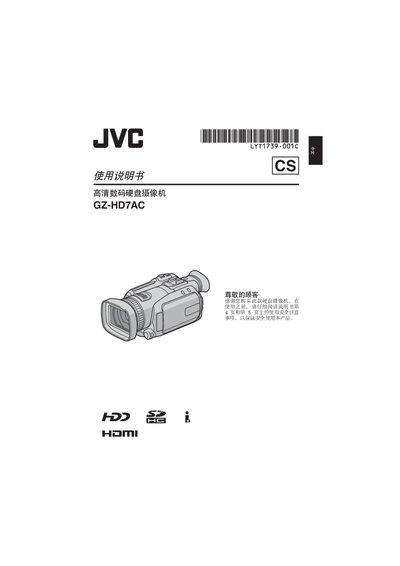
Before using the camcorder, follow the safety warnings: do not expose the unit to rain or moisture, keep it away from open flames, do not open the case, ensure ventilation gaps of at least 10 cm, and handle the battery properly. The manual also warns against pointing the lens directly at the sun and advises using only CR2025 batteries.
The camcorder supports Full HD recording (FED mode) and long‑time HD recording (SP mode). HD images can be copied and edited via the i.LINK output, and recordings can be backed up to DVD or transferred to a computer. The guide covers menu settings, zoom, focus, night‑eye mode, playback, file management, and connecting the device to a TV. This manual is written in Chinese.
| Recording mode (Full HD) | FED |
|---|---|
| Recording mode (Long‑time HD) | SP |
| Output interface | i.LINK |
| Battery type | CR2025 |
The camcorder uses a CR2025 button‑cell battery.
Use the i.LINK output to transfer and edit HD images on a computer or TV.