
This document is a user manual for watch 3077-1, which introduces the functions, display screens, and time and date settings of the watch.
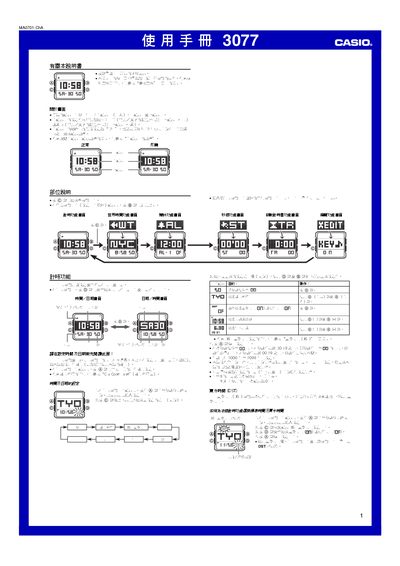
This manual explains how to operate the Casio 3077 watch. It covers basic operations such as setting the time and date, selecting the residence city, and switching between 12‑hour and 24‑hour formats. Detailed procedures are given for using the world‑time, alarm, stopwatch, countdown timer and edit functions.
Additional sections describe optional features like the EL backlight, automatic illumination, automatic display styles and the automatic calendar. Safety warnings and maintenance tips are also included. This manual is written in Chinese.
| Display style options | Normal, Reverse, Auto‑switch every 30 s, 30 min, 12 h |
|---|---|
| Year range for date setting | 2000‑2099 |
| Automatic calendar | Yes, adjusts month length and leap years |
| Backlight type | EL (electroluminescent) panel |
| Automatic illumination | Enabled by rotating wrist, auto‑off after ~6 h |
| Countdown timer auto‑repeat | Optional |
| Number of daily alarms | 5 |
Enter the time‑setting screen, hold the A button until the seconds digits flash, then use the C, D and B buttons to select and change the desired fields.
While on the time‑setting screen, hold the B button for about 3 seconds to toggle the automatic illumination on or off.
Open the alarm function screen, use the D button to select the desired alarm, hold A to enter edit mode, then adjust hours and minutes with D and B.
You can choose between normal, reverse, and three auto‑switch modes that change every 30 seconds, 30 minutes, or 12 hours.