
This document provides information on precautions and installation steps for CASIO products, as well as the characteristics of the LCD panel and a guide for test shooting.
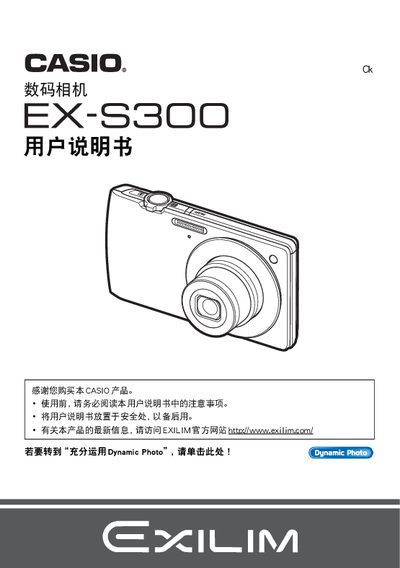
This document provides detailed information on using the Casio EX‑S300 digital camera, including safety precautions, battery handling, and basic operation steps. It explains the camera's functions such as shooting modes, flash, and focus settings.
Additional sections cover advanced features like Dynamic Photo, image playback, file transfer via USB or Eye‑Fi, and printing using DPOF. The note also includes guidance on customizing settings, managing storage, and troubleshooting common issues. This manual is written in Japanese.
| Image resolution | 640 x 480 pixels |
|---|---|
| Battery charger model | BC‑120L |
The camera uses an NP‑120 battery and can be charged with the BC‑120L charger.
Yes, the camera supports DPOF printing to compatible printers.