
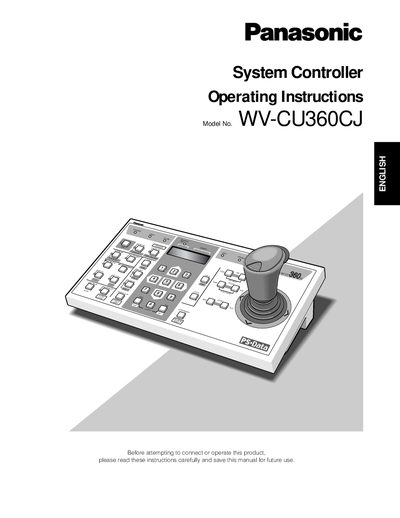
The Panasonic WV-CU360CJ System Controller is used to set up and operate cameras and other units in a surveillance system. It supports the Panasonic Security Data (PS‑Data) protocol by default and can be configured for Video Multiplexer or Matrix Switcher systems via DIP switches and template panels.
The manual covers safety precautions, major control functions, installation methods (palm‑rest and template mounting), controller number and mode settings, operating procedures, and a reset procedure. Technical specifications such as power requirements, temperature range, and supported controller count are also provided.
| Input Power Voltage | 220 V to 240 V AC 50 Hz |
|---|---|
| Operating Temperature Range | -10 °C to +50 °C |
| DC Input Voltage | 9 V DC |
| Maximum Number of Controllers in a System | 4 |
Only the supplied AC adapter should be used; other adapters are not permitted.
The 8‑bit DIP switches set the communication parameters and operation mode for the controller, such as protocol selection and baud rate.