
This document describes the steps for connecting and installing the camera, as well as methods for image adjustment and waterproofing. It also provides the power cable connection methods for different models and the recommended maximum cable lengths.
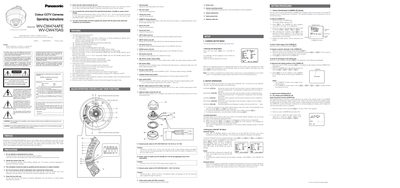
This manual covers safety precautions, power requirements, and key features of the Panasonic WV-CW474AFE and WV-CW470AS colour CCTV cameras. It includes wiring colour codes, power input specifications (24 V AC 50 Hz or 12 V DC for the WV‑CW474AFE, 220‑240 V AC 50 Hz for the WV‑CW470AS) and handling guidelines such as cleaning the lens and avoiding direct sunlight.
The document also describes the on‑screen setup menu, allowing users to configure camera ID, auto light control, shutter speed, gain, digital noise reduction, sensitivity enhancement, sync mode and white‑balance settings. Detailed procedures for adjusting ALC, SUPER‑D2, masking, and synchronization are provided, along with instructions for resetting to factory defaults.
| Power input (WV‑CW474AFE) | 24 V AC 50 Hz or 12 V DC |
|---|---|
| Power input (WV‑CW470AS) | 220 V‑240 V AC 50 Hz |
| Dynamic range | 48 dB (Typ) |
| Signal‑to‑noise ratio | 50 dB |
| Horizontal resolution (colour normal mode) | 480 lines |
| Minimum illumination (colour mode) | 2.0 Ix (0.20 footcandle) |
Open the CAM SET UP menu, select CAMERA ID, press [E](S) to edit characters, then confirm with the appropriate button.
In the CAM SET UP menu, move to ALC, select SUPER‑D2, and turn it ON.
The camera needs at least 2.0 Ix (0.20 footcandle) of illumination in colour mode.