
This manual describes the operating instructions for the WV-CU950 and WV-CU650 system controllers.
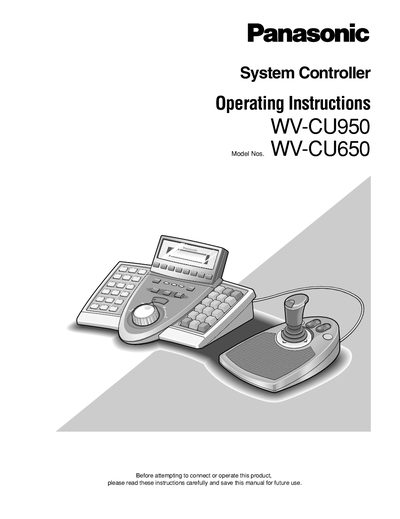
The Panasonic WV-CU950 and WV-CU650 System Controllers are designed for the setup and operation of cameras and other system units within a surveillance system. These controllers can manage cameras, matrix switchers, and recording devices such as digital disk recorders. The WV-CU950/650 model can control two or more PS·Data system devices, and up to four system controllers can be connected for multiple operation. Key features include improved camera controllability via a separate 3D joystick, enhanced recorder control with JogDial and shuttle ring, and the ability to customize function button assignments while viewing the LCD.
| Operating Temperature | -10 °C to + 50 °C |
|---|---|
| Operating Humidity | below 90 % |
| Input Power Source | 230 V AC, 50 Hz |
This product is a system controller to operate PS·Data system units and connected cameras.
Yes, up to 4 system controllers can be connected for multiple operation.
Place it at least 5 cm {2 inches} away from the wall to prevent overheating.