
This document is the operating instructions for the WV-CW860 and WV-CW864E colour CCTV cameras. It provides detailed guidelines for connecting and operating these products, and recommends saving this manual for future use.
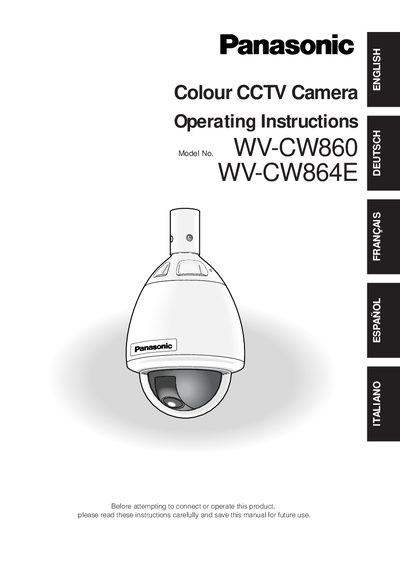
The Panasonic WV-CW860 and WV-CW864E are outdoor colour CCTV cameras with a built‑in heater, fan, and a 1/4" CCD sensor. They feature a 22× zoom lens, pan/tilt mechanism, and RS‑485 communication, all housed in an IEC‑60529 rated enclosure.
The manual covers safety precautions, installation steps, menu setup, preset handling, wiring details, and optional accessories such as sun shields and fall‑prevention wires. It also provides shortcut keys for quick operation and a full list of specifications.
| Image resolution | 752 x 582 pixels |
|---|---|
| Minimum illumination (colour) | 0.5 lx |
| Minimum illumination (black/white) | 0.03 lx |
| Preset positions | 64 |
| Pan speed | 300 °/s |
| Input power (WV‑CW860) | 220‑240 V AC |
| Input power (WV‑CW864E) | 24 V AC |
| Operating temperature range | -30 °C to +50 °C |
The WV‑CW860 requires 220‑240 V AC, while the WV‑CW864E runs on 24 V AC.
The camera can store up to 64 preset positions.
The camera needs at least 0.5 lx of illumination for colour images.
No, the camera is designed for ceiling or wall mounting and should not be installed upside down.