
This is a user manual for the WJ-MP204 data multiplex unit, which includes instructions for use, precautions, and other content.
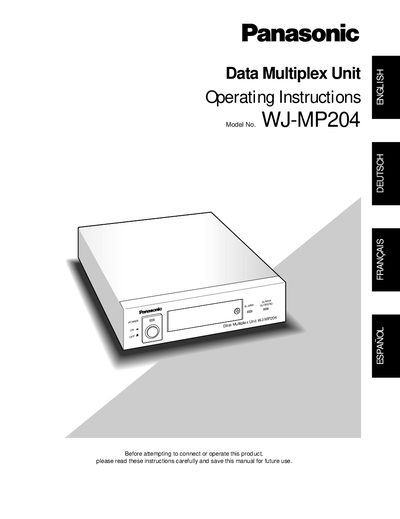
The WJ-MP204 Data Multiplex Unit enables remote control of up to 16 surveillance cameras when up to four units are daisy‑chained. It supports Panasonic Security Data mode and Camera Communication mode, offering camera selection, alarm reset/suspend, and video signal synchronization.
The manual covers safety precautions, installation steps, wiring diagrams for power, RS‑485, and video connectors, and detailed operation of front‑panel switches and menu functions. It also explains fuse replacement, plug wiring, and environmental limits for reliable use.
| Input Power Source | 220‑240 V AC, 50 Hz |
|---|---|
| Operating Temperature Range | -10 °C to +50 °C |
| Maximum Relative Humidity | < 90 % |
| Fuse Rating | 13 A, BS1362 approved |
| Maximum Number of Cameras | 16 (with up to 4 units) |
| Maximum RS‑485 Cable Length | 1200 m (4000 ft) |
| Plug Type | Moulded three‑pin mains plug |
Up to 16 cameras can be controlled when up to four Data Multiplex Units are daisy‑chained.
It requires a 220‑240 V AC supply at 50 Hz.
Open the fuse compartment with a screwdriver, replace the fuse with a 13 A fuse approved by ASTA or BSI to BS1362, and reinstall the fuse cover.
Read all instructions, ensure the unit is earthed, keep ventilation openings clear, maintain at least 5 cm from walls, and do not expose the appliance to rain or moisture.