
WJ-MP204C Data Multiplex Unit Operating Instructions, introduce the product's function features and usage methods
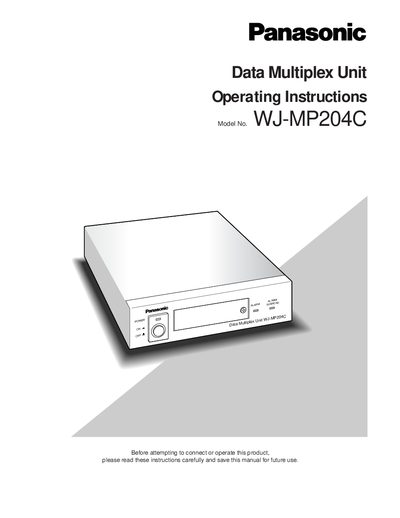
The WJ-MP204C Data Multiplex Unit is designed for surveillance system installations, allowing video signals, control data, and VD2 sync to be multiplexed over a coaxial cable. It supports two communication protocols—Panasonic Security Data (PS:Data) and Camera Communication—selectable via DIP switches, and can be connected to cameras, monitors, and system controllers using RS‑485 and dedicated data ports.
The manual covers important safety instructions, detailed wiring and plug information, mounting and connection diagrams, setup menus, and operation of camera selection, alarm functions, and system reset. It also lists standard accessories and provides specifications for power, environmental limits, and input/output configurations.
| Input power source | 220‑240 V AC 50 Hz |
|---|---|
| Operating temperature range | -10 °C to +50 °C |
| Maximum humidity | < 90 % |
| Camera inputs | 4 composite video inputs with control data and VD2 sync |
| Camera outputs | 4 looped‑through composite video outputs |
The unit comes with a moulded three‑pin mains plug that includes a 13 A fuse approved by ASTA or BSI.
Turn the power switch OFF, then press and hold the camera selection buttons 2, 3, and 4 while turning the power switch ON; keep the buttons pressed for about 3 seconds until all indicators light up.